
Field service report template
Updated September 24, 2026
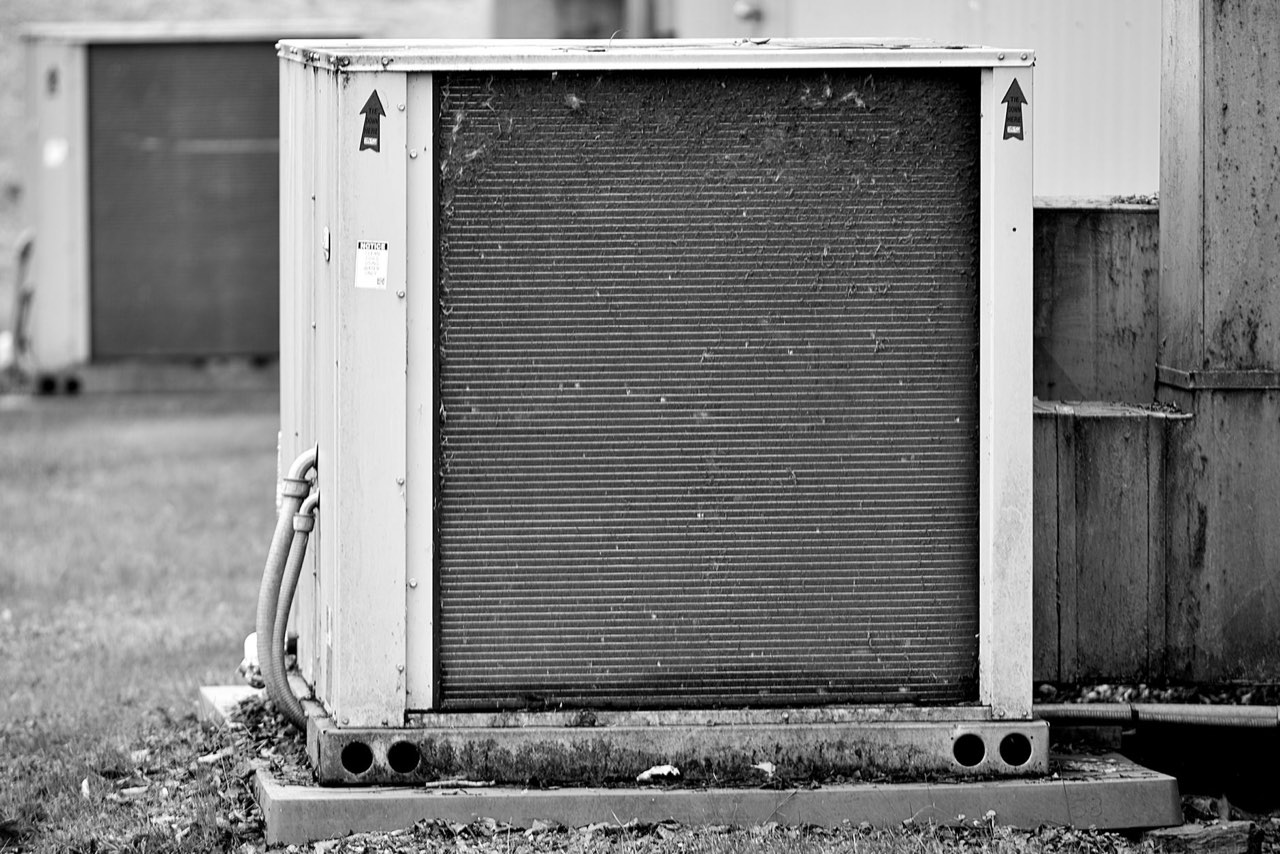
A field service report has one job that outlasts the visit: showing, weeks later, what the technician found, what they did, and the state they left the equipment in. The customer reads it once. The next technician, the warranty desk and whoever handles the dispute read it again, and it should be written for them.
Write for the second reader
The customer wants to know the unit works. They saw it working when you left.
The report matters later. The same unit fails again, and somebody asks whether the last visit fixed the fault or only the symptom. Or an invoice line gets queried, and the only record of the two extra hours is your notes. That reader does not know the site, the equipment or you, and everything in the template is there for them.
The header proves who, where and when
| Field | What goes in it |
|---|---|
| Report no. | Your job or ticket number, one per visit |
| Customer and site | Company name and the site's street address, not the billing address |
| Contact on site | Who let you in, and who you reported back to |
| Technician | Name, plus licence or certification number where one applies |
| Arrived and left | Times, to the minute |
| Reason for visit | The call as reported: "no heat on floor 2", not your diagnosis |
| Visit type | Breakdown, planned maintenance, install, inspection or return visit |
| Equipment | Make, model, serial number and asset tag for each unit you touched |
Record the reason for visit in the customer's words. If their "no heat" turns out to be a closed valve, the gap between the two is the most useful line in the report.
Serial numbers come off the data plate, and the plate gets photographed. A serial number copied by hand is the field most often wrong, and it is the field a warranty claim turns on.
Found, done, left: three sections in that order
Most reports blur these into one paragraph. Keep them apart.
Found is the condition on arrival, before you touched anything: readings, error codes, what the customer described, what you saw. Take the before photos here. Once a panel is off or a part is out, the arrival condition is gone for good.
Done is the work, in the order you did it. Parts replaced, with part numbers. Settings changed, from what to what. Tests run, and their results. A setting change recorded with no before value cannot be undone by the next person.
Left is the state at departure. Running normally, running with a limitation, isolated and tagged out, or waiting on a part. This is the section that answers the phone call two days later, so it gets its own heading and its own photo.
A reading needs a unit and a before
"Pressures normal" tells somebody who was not there nothing at all. "Suction 118 psi and discharge 305 psi after the charge adjustment, 102 and 290 before" tells them what changed. The same goes for amps, temperatures, flow rates and battery voltages: the number, the unit, and whether it was taken before or after the work.
If the reading came off a display, photograph the display. It takes a second, and it ends any question about whether the number was typed correctly.
Say what you did not do
A report that lists only the work done leaves out the part that gets disputed most. Write down what you recommended and the customer declined, what you could not reach, what was outside the scope of the call, and anything you noticed that was not the fault you were sent for.
"Condensate drain on unit 3 partly blocked, not part of this call, customer told" is one line. Without it, the leak in six weeks is yours.
A filled example, from a job that does not exist
Report 20417. Northgate Medical Centre, 88 Fenwick Road. Contact on site: J. Alvarez, facilities. Technician: R. Mensah. Arrived 08:10, left 11:45, September 24, 2026. Reason for visit, as reported: "Consulting rooms on floor 2 too warm since Monday." Visit type: breakdown.
Equipment: rooftop unit RTU-2, serial number and asset tag photographed from the data plate.
Found. RTU-2 running, supply air 64°F at the unit against a 55°F setpoint. Compressor 2 not starting: contactor coil energised, contacts pitted and not closing. Filters heavily loaded. The last service label on the unit door is dated March.
Done.
- Isolated RTU-2 and applied a lockout.
- Replaced the compressor 2 contactor with a matching part, part number in the photo of the new contactor.
- Replaced all four filters.
- Restarted and confirmed both compressors staging. Supply air 55°F after 20 minutes.
Left. Running normally on both stages. Photos of the new contactor and the supply air reading attached.
Not done. Condenser coil on RTU-2 heavily fouled. Cleaning recommended and quoted separately, not approved today. RTU-1 and RTU-3 not inspected, as they were outside the scope of this call.
The fouled coil is the line that will matter in August. If RTU-2 trips on high pressure in the first hot week, the report shows it was seen, photographed, recommended and declined. The supply air reading before and after does the other half of the work: it shows the rooms the customer complained about are being cooled again.
Photos: the plate, the fault, the repair
Three photos cover most visits: the data plate, the fault as you found it, and the repair as you left it. Add one for each reading taken off a display, and one for anything you recommended but did not do.
Take them in that order and the report mostly writes itself, because the photo times give you the sequence of the visit. When arrival and departure times are disputed, a photo taken at 08:14 is harder to argue with than a time written on a sheet afterwards.
Sign off without a signature pad
Plenty of field service forms carry a customer signature box. Its real job is to show the customer was told what was found and what was left. A PDF emailed to the site contact before you leave the car park does the same job and leaves a dated copy on both sides. If the contract calls for a signature, that needs a separate tool.
Sitewise is built for the capture and the report, on iPhone and iPad. Photos of the plate, the fault and the repair are timestamped and, with location on, pinned to the site. Readings and findings can be dictated with dirty hands and transcribe on the device. It works in a plant room with no signal and syncs later, and the visit exports as a PDF or DOCX. It does not do dispatch, scheduling, invoicing, parts inventory or e-signature, so a company that dispatches jobs still needs a field service management system beside it.
When the question is pass or fail against a standard rather than a repair, the field inspection report template has the structure. For photos that still make sense to somebody in three years, see the photo documentation guide.
Questions people ask
- What should a field service report include?
- Who attended, where and when; the equipment by make, model and serial number; what was found on arrival; the work done, with parts and settings; the state the equipment was left in; and anything recommended but not done. Before and after photos, plus one of the data plate, cover most of what gets disputed later.
- Does a field service report need a customer signature?
- Only if the contract says so. What a signature shows is that the customer was told what was found and what was left. A PDF emailed to the site contact before you leave does the same job and leaves a dated copy on both sides. Where a signature is required, it needs a separate tool.
- What is the difference between a field service report and a job sheet?
- A job sheet is usually the internal record: times, parts, what to bill. The field service report is what the customer and the next technician read. They share most fields, and plenty of companies use one form for both, but the report has to make sense to somebody who was not there.
Related guides
- Field inspection report template
A field inspection report template that holds up when a result is challenged: the header fields, criterion and observed value per finding, and a filled example.
- Construction photo documentation that still makes sense in three years
How contractors shoot, caption and file job site photos so they hold up later: wide-medium-tight, pre-cover shots, scale objects and same-day captions.
Write this report on site, not in the truck.
Sitewise turns photos, voice notes, sketches, and typed observations into a PDF or DOCX before you leave. iPhone and iPad, iOS 26 or later.
Get the app